How to start a strong plan, tailor it to your family, and adjust it on the go.
About a 4 minute read
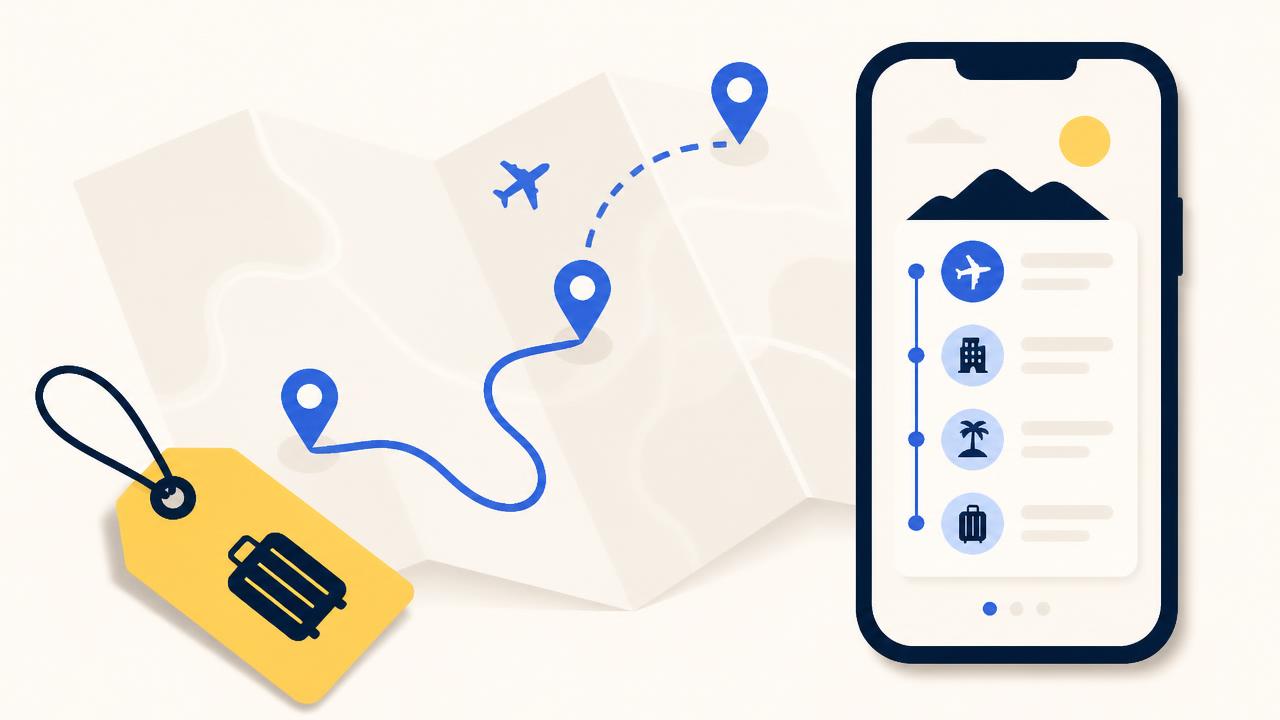
The best plan comes from one conversation that holds everything that matters to you. ChatGPT plans, Zuzli stores and presents — you just describe what the right trip looks like for you.
Opening the conversation well
The first message sets the quality of the plan. Worth including:
- Destination and exact dates, or the number of days.
- Who is travelling — adults, kids and ages, pace or mobility limits.
- Where you sleep — hotel name or area, and any mid-trip change.
- Flights — landing time and return departure. They shape the first and last day.
- What you enjoy — food, nature, museums, markets, shopping, nightlife — and what you would rather skip.
- Constraints — budget, dietary needs, kids' bedtime, bookings you already have.
Refining the plan
Once the trip is saved, keep shaping it in plain language:
- "Day three is too packed — drop a stop and give us a slow morning."
- "Swap the museum for something outdoors, keep the meal."
- "Move all of day four to day five, it's going to rain."
- "Add a dinner recommendation near the hotel, not expensive."
- "Add a rainy-day fallback for every outdoor day."
Every approved change is saved to Zuzli right away — times, distances and order are recalculated, and nothing has to be rebuilt.
What makes a plan genuinely good
- One cluster per day — stops close together, no needless city crossings.
- A realistic pace — 4–6 stops a day for families, meals and breaks included.
- A reason and a tip per stop — why it is worth it, and what to know before arriving.
- Opening hours and queues — especially Mondays, holidays and timed-entry sites.
- A rainy-day fallback — particularly with kids.
Changing things during the trip
You can open the chat mid-day and update. Zuzli knows where you are in the plan, so one sentence is enough:
We're running 90 minutes late and the kids are done. Fix the rest of the day.
Updated: skipped the next stop, moved dinner to 19:15 and kept the viewpoint for the end. The rest of the day works without rushing — it's all saved in Zuzli.
- Mark stops as done or skipped in the app — the plan follows along.
- Ask for something nearby: "somewhere to eat within walking distance of here."
- If a place turns out to be closed, tell the chat and get an instant replacement.
After the trip the plan stays in Zuzli — what you did, what you skipped, and the full route.
Contact us
For questions, technical issues, privacy requests or account deletion, email us directly: